V-Ray 5: Preparing Materials and Lighting

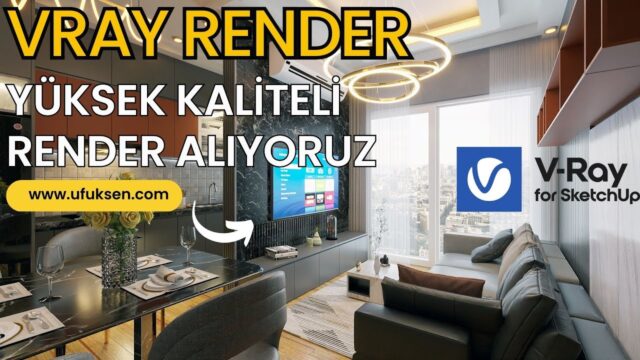
In this lesson we continue with preparing materials and lighting in V-Ray 5. We have already seen how to light a small space and how to apply materials. In our V-Ray 5 lessons we light the scene with Sunlight, with Dome Light and with Rectangle Light. Then we look at how the scene changes with the other light effects.
 YouTube
What’s in this video?
This lesson is the fourth part of our V-Ray 5 series. Using a small space, we cover preparing materials and lighting the scene together. So you see how material and light affect each other in the same scene. (The video is in Turkish; this guide walks through the key steps in English.)
As we noted in the video description, the main topics of the lesson are:
- Preparing materials in a small space and applying them to surfaces
- Setting up sunlight with Sunlight
- Ambient lighting with Dome Light
- Adding artificial light with Rectangle Light
- Comparing how the scene looks with different light effects
That way, instead of relying on a single light type, you see three different approaches side by side in the same scene.
Who is it for?
The lesson runs about 17 minutes. It suits users who are starting to work on interiors with V-Ray 5. People who have watched the previous parts of the series and want to go one step further can also continue from here.
It is a useful lesson for interior architects and architecture students too. Setting up light correctly in a small space is the foundation for large projects. Kitchen, bathroom or bedroom, it does not matter; the lighting logic follows the same order in every space. First comes the main light, then the fill light, and finally the accent lights.
What you need to know about light and materials in V-Ray 5
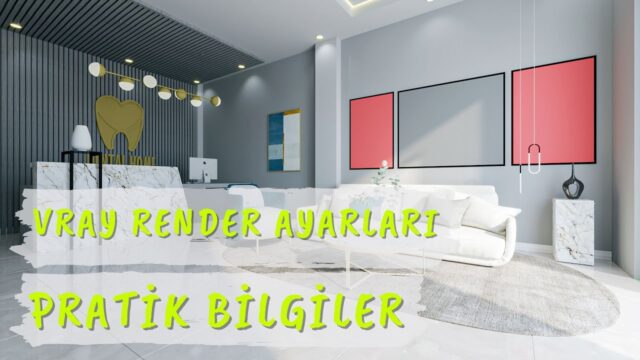
In a render engine, we cannot think about light and material separately. For example, a glossy floor reflects light and makes the room look brighter. A matte wall softens the light. So when you adjust materials, you need to take the light in the scene into account too.
Here is a quick reminder of the three light types we use in the video:
- Sunlight: represents the sun; gives sharp shadows and a daylight effect.
- Dome Light: an ambient light that wraps the scene like a dome; it usually works together with an HDRI image.
- Rectangle Light: a rectangular area light; suitable for soft light such as in front of a window or from a ceiling fixture.
When setting up lights, we recommend starting with a single source. Then add the second and third lights. That way you can easily tell what each light adds to the scene.
On the material side, texture scale is critical. Parquet or tiles at the wrong scale make the scene look artificial, however good the light is. So check the textures up close before rendering.
Also build a small habit for test renders. While adjusting light and materials, take small, fast images. Leave the final image for the very end. That way you see the effect of each change within a few minutes and spend your time on decisions, not on settings.
And do not forget camera exposure. Even if the light is enough, the image comes out dark or blown out if the camera setting is wrong. So checking the camera before changing light intensity cuts down on unnecessary tests.
The official SketchUp help center is also a good resource for the basic tools on the SketchUp side. Having a well-organized model before moving to the V-Ray 5 settings makes your job easier.
Related lessons
- To start the series from the beginning, see the getting to know the menus lesson.
- If you want to look at ambient light in depth, the using Dome Light and HDRI lesson is ready.
- For artificial light, using Rectangle Light in interiors continues the series.
- The using Dome Light in interiors lesson also takes the same topic indoors.
- For the material side, take a look at our creating new materials lesson.
- All our render content is on our render guide page.
Frequently asked questions
Which light should I start with in an interior?
In a space that gets daylight, start with the sun or ambient light. Then fill the remaining dark corners with area lights.
Why does my render come out so dark?
Most of the time the problem is light intensity or camera exposure. First check the camera settings, then raise the light intensity gradually.
Do I need the previous parts to watch this lesson?
No, but if you do not know the V-Ray 5 interface at all, we recommend looking at the first parts of the series. This part builds on the previous lessons of the series.
Do I need an HDRI for Dome Light?
No, but an HDRI makes the ambient light and reflections look much more natural. That is why we use one in most interior and exterior scenes.