Lumion
Lumion 12 Course 02: Lumion 12 Settings and the Start Screen
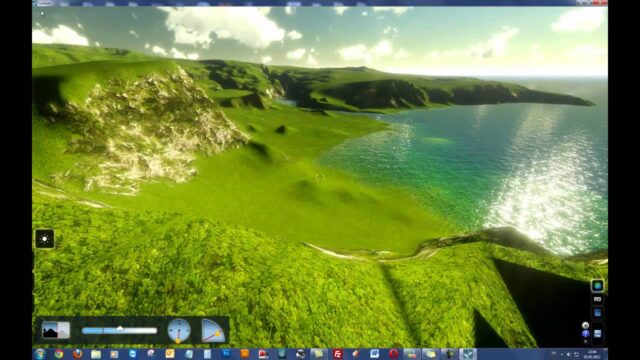
We briefly introduce the settings window on the Lumion 12 start screen and the new project templates.

How popular render engines work, with render settings, lessons and tips for V-Ray and other engines used with SketchUp.
We briefly introduce the settings window on the Lumion 12 start screen and the new project templates.
We rendered this apartment in Twinmotion, Enscape and D5; this time we visualize it step by step with V-Ray 6.
We compare five render engines that work with SketchUp in terms of everyday use and suggest a starting order for beginners.
We gathered the eleven lessons of our Lumion 12 course into one video, covering every step from the interface and placing objects to grouping and rendering.
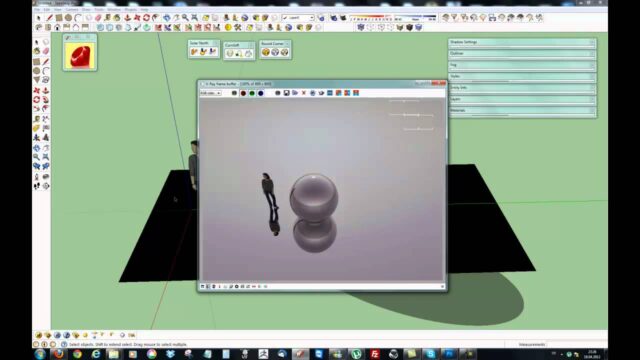
Using a clinic entrance scene, we apply V-Ray light, camera, exposure and VFB settings in the right order.
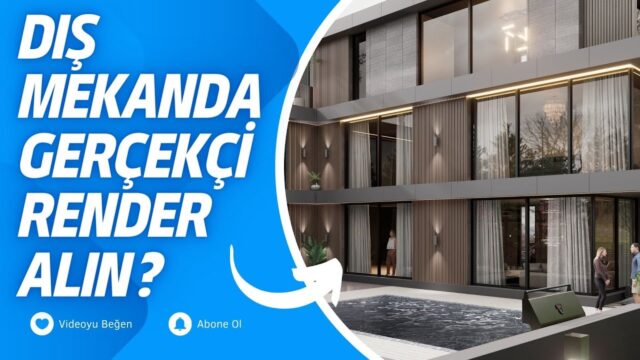
Starting from the "bare building" mistake we see most often in renders, we cover the landscape, lighting and detail rules that make an exterior look realistic.
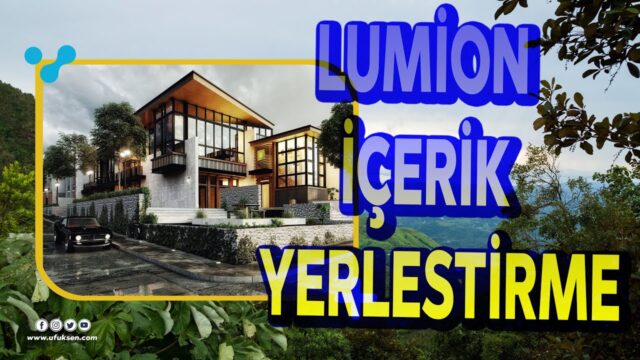
We show how to add trees, benches and people to the scene from Lumion's object menu, and how to reach the tree varieties in the subfolders.
In Part 3 of the composite series, we model oval composite columns and a curved fascia, then divide the sloped side face into panels.
We load an HDRI as a skybox in Enscape, match it to the sun and adjust its direction and brightness.
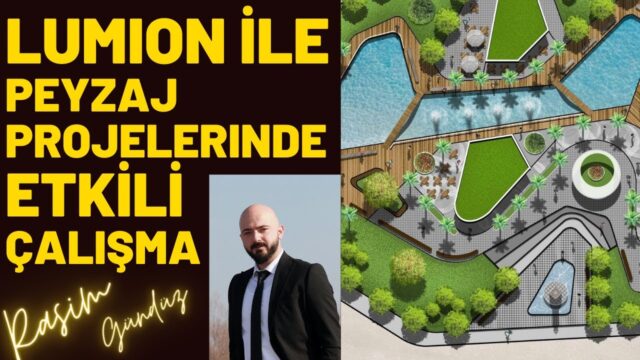
We show how to keep a large landscape scene running smoothly in Lumion, with tips from quality settings to mass tree placement and terrain tools.
How to get V-Ray 6 for SketchUp only from the official Chaos website, plus the trial version and the installation steps.
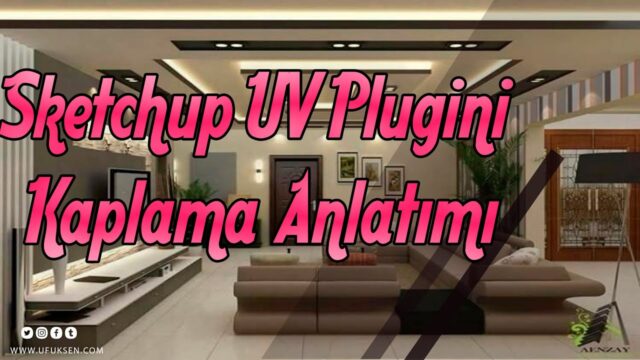
We show how to fix textures that scatter on curved furniture surfaces with box mapping in the SketchUV plugin, and how to scale them from the…
We strengthen the window light, connect PBR maps to a wooden door one by one and produce a 4K render.
For anyone opening Lumion for the first time, we cover the interface, program settings and how FPS works, and change the scene's mood with sun, cloud…
We connect an HDR image to V-Ray's environment channels and light the whole scene with a single panoramic image.
In the first lesson of our Twinmotion 2024 series, we introduce the interface, the basic settings and the library.