Lumion
Lumion 12 Course 02: Lumion 12 Settings and the Start Screen
We briefly introduce the settings window on the Lumion 12 start screen and the new project templates.

Lumion tutorials and course sets covering realistic exterior scenes, render settings and practical Lumion workflows.
We briefly introduce the settings window on the Lumion 12 start screen and the new project templates.
We gathered the eleven lessons of our Lumion 12 course into one video, covering every step from the interface and placing objects to grouping and rendering.
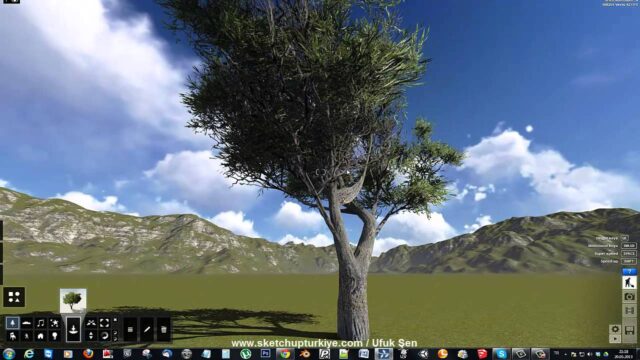
We show how to add trees, benches and people to the scene from Lumion's object menu, and how to reach the tree varieties in the subfolders.
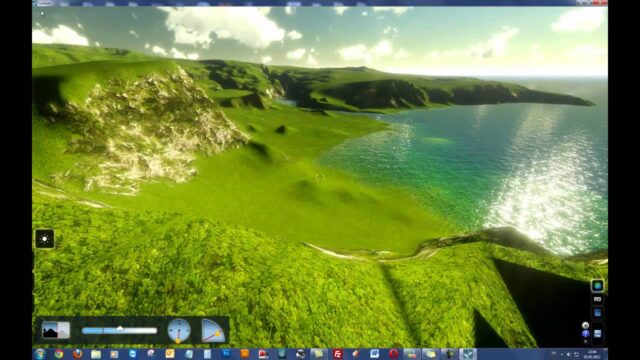
We show how to keep a large landscape scene running smoothly in Lumion, with tips from quality settings to mass tree placement and terrain tools.
For anyone opening Lumion for the first time, we cover the interface, program settings and how FPS works, and change the scene's mood with sun, cloud…
We bring photo effects into a Lumion animation, set up the camera clip and configure the render settings. We also show the moving sun and falling…
In the first lesson of our Lumion 12 series, we introduce the start screen, the example projects and the performance test.
In Lumion 12, we add effects one by one to an empty shot to create a realistic render, and see what perspective, sky, reflection and shadow…
We show how to place, move and rotate objects in a Lumion scene and copy them with the Alt key. A basic lesson for anyone new…
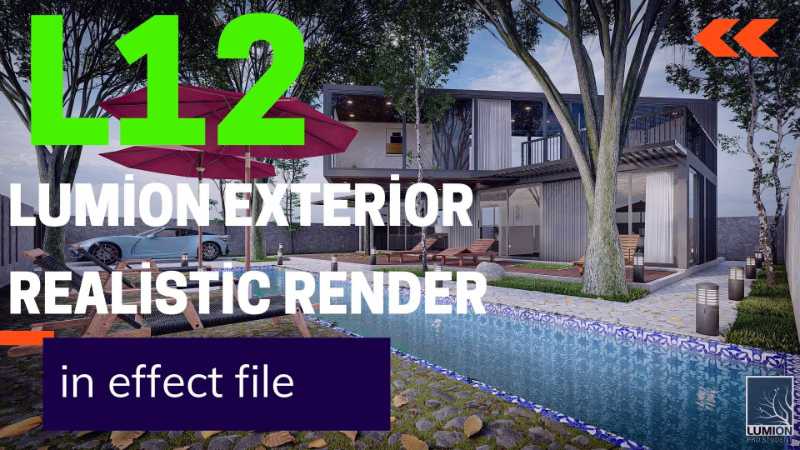
Lumion exterior realistic render, with the effect file: https://www.mediafire.com/file/vmk5xb..
With Lumion 12, the latest release at the time, you can get good results from a fast visualization workflow. Watch the video for the details.
Lumion is still a favorite render program, and with the new version 12 you can get great exterior results. You can find the effect file below…
A free eight-lesson Lumion course for beginners: the interface, camera movement, placing content, sun settings, terrain, camera paths and saving an animation.
Five basic rules to follow before you send a SketchUp model to Lumion: group structure, saving to an older version, the origin, reversed faces and materials.
Professional modeling and landscape in SketchUp, rendered with Lumion 8: 9 hours of content using the Dibac, Profile Builder, Skatter and Combo Spray plugins.
In this Lumion exterior render lesson we visualize a building with Lumion 11, with tips on preparation, light, effects, landscaping and camera.