Render Engine New Features Videos

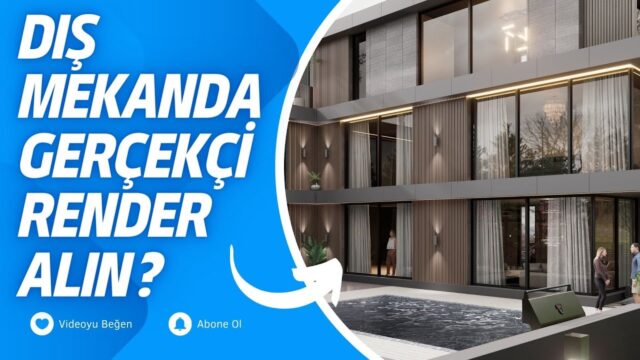
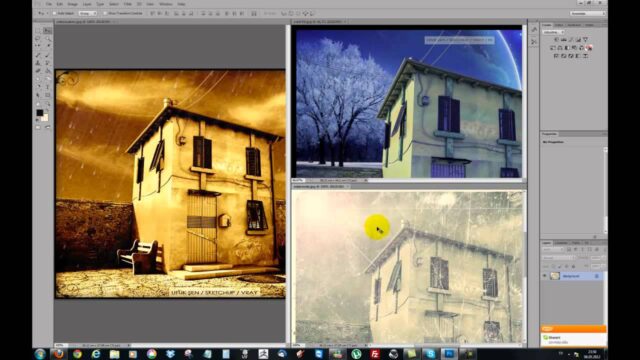
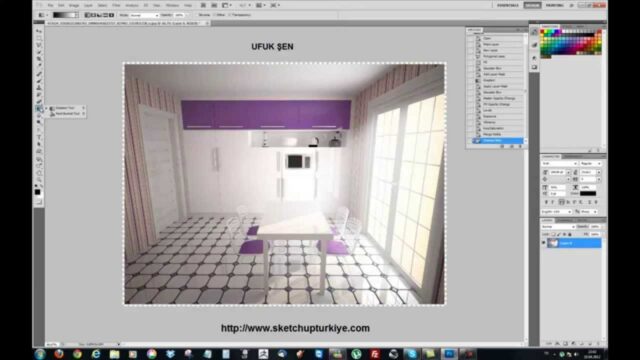
In our render engine new features videos, we follow the new releases and features in the world of architectural visualization. Render engines come with new tools every year. So seeing in advance which new feature will be useful to you saves time. In this article we share our video list and explain how we evaluate new features.
In the videos on the list, we look at the standout features of new releases. That way you see what an engine offers before you install it.
Render engine new features video list
The playlist below brings together our new release reviews. Watch the videos in order or jump straight to the engine that interests you.
 YouTube
For more content on architectural visualization, you can also visit our architectural render page. (The video is in Turkish; this guide walks through the key steps in English.)
Why do new features in render engines matter?
A few years ago we waited hours for a single image. Today real-time engines show the result on screen instantly. This change came from the features that arrived with new releases. So staying up to date directly affects how fast you work.
New features are not only about speed, either. More realistic lighting, rich ready-made libraries and easy animation tools also improve with every release. Plant, people and vehicle libraries, for example, bring a scene to life quickly. This helps you prepare more impressive presentations for clients. And you finish the same presentation in much less time than before.
Which render engines do we follow?
In our videos we focus on the engines most often used with SketchUp. Each one is strong in a different area.
- V-Ray: It stands out with photorealistic results and a wide range of settings. For details, see the V-Ray for SketchUp page.
- Enscape: It runs in real time inside SketchUp and is easy to learn.
- Lumion and Twinmotion: Their ready-made libraries and animation tools make fast presentations possible.
- D5 Render: It draws attention with real-time ray tracing technology. For current release information, visit D5 Render’s official website.
Our SketchUp render engines article, which looks at these engines side by side, is a good start for a comparison. If you can’t decide between Enscape and D5, our which render engine article will help.
Render engine new features: what to check before updating
When a new release comes out, it is tempting to update right away. But in an ongoing project, that decision carries risk. So we check a few points before updating.
- SketchUp compatibility: Does the new release support the SketchUp version you use?
- System requirements: Do your graphics card and driver meet the needs of the new release?
- Old scenes: Do scenes you saved in the previous release open without problems?
- Project schedule: Do not switch versions on a job with a close deadline.
The safest route is to test the new release in a small test scene first. If everything is fine, move on to your real projects. That way you won’t hit a surprise error at delivery time. Also keep the installer of the old version for a while, so you can roll back if needed.
How do we evaluate new features in real work?
When we evaluate a new feature, we first ask one question: does this feature save us time? Some features look very impressive in a launch demo. But they are not much use in a real project. Some other small updates, on the other hand, make our work easier every day.
So we recommend testing a new release in both an interior and an exterior scene. Compare how the lighting, the materials and the render time change. That way you see what the update really gives you. We gathered the basics of rendering in our rendering in SketchUp article.
Render engine new features: easy ways to keep up
Visiting every engine’s website one by one is tiring. So we suggest setting up a simple routine. First bookmark the release notes pages of the engines you use. Then look at these pages once a month.
Official YouTube channels also introduce new features in short videos. On our own channel we cover these new features in Turkish. In short, following a few reliable sources regularly is enough. That way you won’t miss an important update, and you won’t get lost in a pile of unnecessary information.
Frequently asked questions
Should I switch to every new release right away?
No, test it in a test scene first. We recommend not switching versions until you finish an ongoing project.
Which render engine is improving the fastest?
Real-time engines have advanced very quickly in recent years. Still, the choice depends on the type of your project and your workflow.
Where can I follow new release information?
The most accurate information is in the release notes on the engines’ official websites. In our video list, you can see these new features in practice.