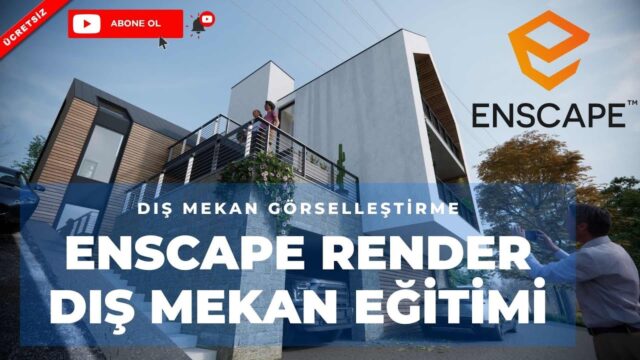
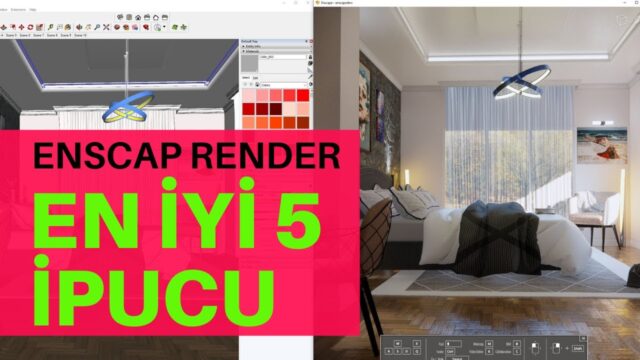
Exterior Render Tutorial with Enscape 3.1

Enscape 3.1 Exterior Render: we look at Enscape’s best rendering features.
By the way, when buying course sets from https://www.3degitimsetleri.com/, your coupon code is “öğrenmek mutluluktur ” (Turkish for “learning is happiness”). With this coupon you can make a purchase worth 50 TL.
Join this channel to support it and get perks: https://www.youtube.com/channel/UCkM6… SketchUp Türkiye always works to bring you the highest-quality, most useful information in 3D training.
 YouTube
What’s in this video?
In this lesson we render an exterior scene with version 3.1 of Enscape. The video title says it too: Enscape 3.1 Exterior Render, in other words exterior facade visualization. In the lesson we go through the program’s standout exterior features together on a scene. (The video is in Turkish; this guide walks through the key steps in English.)
The description has no chapter timestamps. So we recommend watching the lesson side by side with your own exterior model. That way you can try every setting we show in your own scene at the same time. Splitting the long lesson into two or three sessions also gives you time to let what you learn sink in.
Who is it for?
The video runs about 34 minutes. That is a good length for seeing an exterior scene in detail, without rushing.
- Architects who want a realistic exterior image of a building they modeled in SketchUp
- Users of the program who want to improve their exterior results
- Designers preparing presentations of homes, villas and commercial buildings in particular
- Students trying to choose a render engine
What do we focus on in the Enscape 3.1 Exterior Render lesson?
No single setting decides the success of an exterior image. Light, sky, materials and surroundings work together. That is why in the Enscape 3.1 Exterior Render lesson we treat these elements not one by one, but as a system where each completes the others.
Enscape is a real-time render engine. So you immediately see any change you make in SketchUp in a separate window. This speed lets you compare different times of day and angles on an exterior within minutes.
On top of that, there is no separate export step between the model and the render. While you keep working in SketchUp, the image changes along with you instantly.
Before you watch
Basic SketchUp knowledge is enough to follow the lesson comfortably. That said, an organized model makes your work easier. For example, giving materials meaningful names lets you find the right surface right away while rendering.
Real-time engines use the graphics card heavily. So we recommend checking beforehand whether your hardware meets the program’s recommendations. For basic topics on the SketchUp side, take a look at the SketchUp Help Center.
Our checklist for an exterior image
- First we change the sun angle to find the light that falls most beautifully on the facade.
- Then we check how well the sky and atmosphere suit the building.
- We check the reflections of materials like glass, concrete and wood.
- Next we add scale to the surroundings with trees, ground and human figures.
- Finally we save a few camera angles close to eye level.
This list does not replace the steps in the video. Still, it is a practical roadmap that makes clear what to look at in your Enscape 3.1 Exterior Render work.
Before upgrading versions
Before moving to a new version, we recommend testing your old projects on a copy. Material and light settings can differ slightly between versions. That way you avoid surprises on a job with an approaching deadline.
Getting to know each new version with a small test scene is also a good habit. For example, a scene made of a single facade and a few trees lets you quickly see the effect of what is new.
Related lessons
- Exterior visualization with version 3.2: what is new in the next version.
- High-quality exterior visualization: another scene with the same engine.
- Realistic render lesson, part 1: a series on realism.
- Which render engine?: a comparison of two fast engines.
- Our render guide: all our render content on one page.
Frequently asked questions
Is this lesson useful in newer versions too?
Largely, yes. The logic of setting up an exterior scene does not change much from version to version, though some menus and details differ.
Does Enscape work for interiors too?
Yes. Enscape is an engine we often use for interior images as well, but in this lesson we focus on the exterior.
Do I need to edit the image afterward?
It is not required. Still, giving the image a final pass in a photo editor for small color and contrast corrections noticeably strengthens an exterior image.
Do I need prior render knowledge to watch this lesson?
No. Basic SketchUp knowledge is enough, because we show the settings step by step on the scene.