SketchUp Exterior Modeling 03: Learn V-Ray Material Details


V-Ray material details are the topic of the third part of our exterior series. In this lesson we show you how to prepare a quality material in V-Ray inside SketchUp. We also show the key tricks for placing a material correctly on a surface. In this article we summarize the lesson and the points to watch with exterior materials.
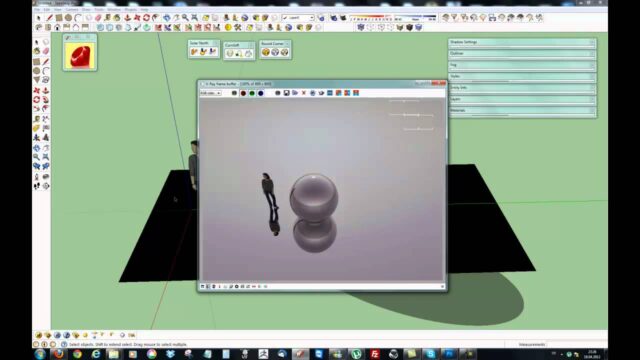
When we recorded the lesson, we were using an older version of V-Ray. That is why the material editor looks a little different from today’s interface. But the material logic, texture scale and placement rules have not changed at all.
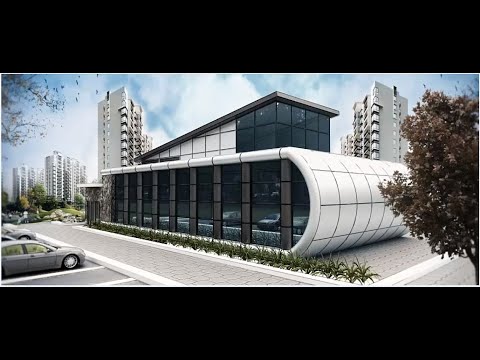
V-Ray material details video
The lesson runs about 26 minutes. You see every step on screen, from preparing the material to placing it on the surface.
 YouTube
What will you learn in this lesson?
As we wrote in the video description, this part covers two main topics. The first is preparing a quality material in V-Ray. The second is placing the material correctly on the surface. Even the best texture will not look realistic if it is placed at the wrong scale or in the wrong direction. (The video is in Turkish; this guide walks through the key steps in English.)
The lesson builds on the exterior scene we set up in the earlier parts of the series. So we recommend that you do not start before watching the first part of the series.
V-Ray material details: the parts of a good material
A realistic material is more than a single image. Usually several maps work together. Each map describes a different property of the surface:
- Diffuse: The main texture that sets the color and pattern of the surface.
- Reflection: Sets how glossy the surface is and how it returns light.
- Bump or normal: Adds depth by giving the surface a relief effect.
- Roughness: Decides whether the reflection is sharp or diffuse.
In exterior scenes, a bump map is especially important for materials such as stone, brick and wood. When sunlight hits the surface from the side, the relief casts shadows. The facade then looks like a real material, not a flat picture.
How should you place a material correctly?
The first rule of material placement is real-world size. For example, a brick is about twenty centimeters long. If you set your texture to that size, the facade looks realistic. Otherwise the building looks either like a scale model or like a giant structure.
The second rule is direction. Grain direction matters for wood cladding, and course direction matters for stone. In SketchUp you use Texture Position to rotate and shift a texture on a face. Also make sure the texture continues without a break at corners. Otherwise a visible line appears between the two faces.
Tips for V-Ray material details
Run test renders often while you work on materials. But do these tests at low quality and on a small region. That way you see the effect of each change quickly. If you use the same material on many faces, prepare it once and use the same one everywhere. That keeps the file more organized too.
If you want to go deeper into materials, take a look at our lesson on V-Ray’s ready-made materials. For the current material editor, you can also check the V-Ray for SketchUp page.
Finally, collect your materials in your own library. Once you have prepared a good stone or wood material, you can reuse it in new projects. That way you never start from zero.
Next in the series
Once the materials are done, it is time for the final facade edits. We continue the exterior topic in part four of the series. To keep going, move on to our exterior modeling 04 article.
Which exterior materials need more care?
Not every material takes the same effort. A flat plaster surface gives good results with a simple color and a light bump. Natural stone, brick and wood need much more care, because pattern repetition stands out immediately in these materials.
To reduce pattern repetition, choose large, seamless textures. Also place the same material on different faces with a slight offset. That way the same stone pattern does not appear side by side on two neighboring walls. On glass and metal surfaces, the reflection setting matters more than the texture. Having a sky or an HDRI in the scene directly improves these surfaces.
Frequently asked questions
Do V-Ray material details require a bump map?
No, but it makes a big difference in exterior scenes. We especially recommend using a bump map on stone and brick surfaces.
Why does my material look blurry?
Usually the texture resolution is low, or the texture is stretched over a very large face. Try a higher-resolution texture.
Why does the material shift at corners?
It shifts because the texture position differs on the two faces. Use Texture Position to align the two faces.