Twinmotion 2022 Render Lesson: Image Analysis

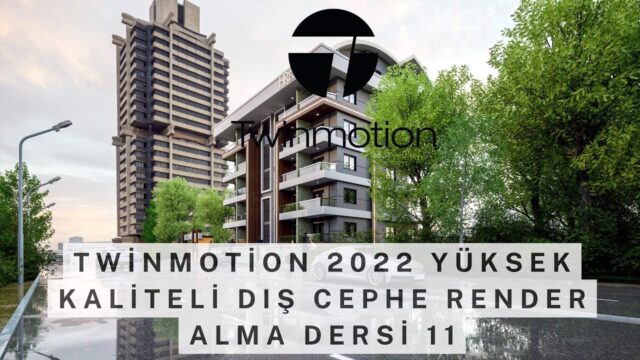
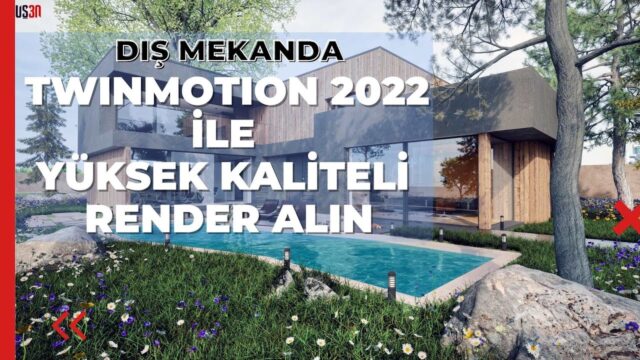
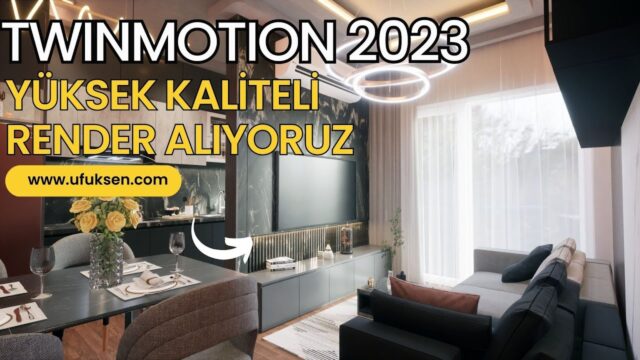
Twinmotion 2022 Best Rendering Tutorial. In this Twinmotion 2022 render analysis live stream, we review the renders of the work you shared in our Facebook group.
The “render engines by need” article mentioned in the video: https://www.ufuksen.com/ihtiyaca-yone…
You can enrich your work by downloading free models from our SketchUp free model site.
For the free 3D model site: https://bit.ly/2RvW1eT For professional SketchUp training, you can reach us by direct message or by email.
 YouTube
(The video is in Turkish; this guide walks through the key steps in English.)
What’s in this video?
This video is a recording of a live stream. In the stream we analyze together the renders of the work you shared in our Facebook group. So rather than a prepared lesson, we share comments and suggestions based on real projects.
The YouTube description has no chapter timestamps. Based on the description and our article, the video covers:
- Render analyses of work shared in our group
- Comments on the strengths of the images and where they can improve
- The “render engines by need” article we mention in the video
Since it is a live stream, the flow is natural and conversational. But analyses like these teach you to look at your own images with fresh eyes. They also give you the chance to see different users’ different approaches in a single stream.
Who is it for?
The video runs about 59 minutes, so it is a stream of about an hour. It is especially suited to users who want to improve their images but do not know what to change. Students who want to compare their own work with other people’s also learn a lot from this stream.
It is a useful recording for experienced users as well. Seeing mistakes in other projects makes it easier to spot similar problems in your own work.
If you are short on time, you can watch the stream in pieces. Each analysis works like a small lesson on its own.
What to know when analyzing Twinmotion renders
When you evaluate a render, looking at a few basic questions makes the job easier. These questions apply whichever program you use. In our analyses we usually pay attention to these topics:
- Light: where does the light in the scene come from, and are the shadows consistent with it?
- Exposure: are there areas in the image that are too bright or completely dark?
- Materials: are the surfaces glossy, matte or rough the way they are in real life?
- Scale: are the texture patterns and objects the right size?
- Composition: does the camera angle show the space or the building in the best way?
One of the problems we see most often is texture scale. For example, a parquet pattern larger than it should be suddenly makes a space look small and artificial. Another common problem is empty scenes. A room with no objects or a garden with no plants does not convince the viewer.
In real-time programs, fixing these problems is relatively easy. You see any change you make on screen immediately. That is why in tools like Twinmotion you can quickly try again after an analysis.
After you get feedback, do not change everything at once. Pick the biggest problem first, for example the light. Then take a new image and put it side by side with the old one. That way you clearly see which change worked. After a few rounds, these small steps noticeably improve the image.
The choice of render engine also affects the result. That is the main idea of the article we mention in the video: every engine is strong in a different area. The best approach is to choose based on whether you want speed, the finest lighting detail or animation.
The model itself is also part of the analysis. A clean model and organized materials in SketchUp prevent most problems at the render stage from the start. For model preparation, you can also look at the official help pages.
Related lessons
- For choosing an engine, read our render engines article.
- For a short comparison, see our top 5 render engines list.
- Before sending the model, our working principles article points the way.
- To learn the program from the start, take a look at our tutorial set.
- All our render content is on our render guide page.
Frequently asked questions
Why does my Twinmotion render look artificial?
Most of the time the cause is texture scale, flat materials or an empty scene. Check these three things first, then check the light balance. These three are among the problems we see most often in renders.
Twinmotion or another render engine?
It depends on your needs. For fast results and easy landscaping, a real-time program is a good choice. For the finest lighting detail, classic engines stand out.
How can I share my work for analysis?
You can share your images in our Facebook group. This stream is based exactly on the work you share in the group.