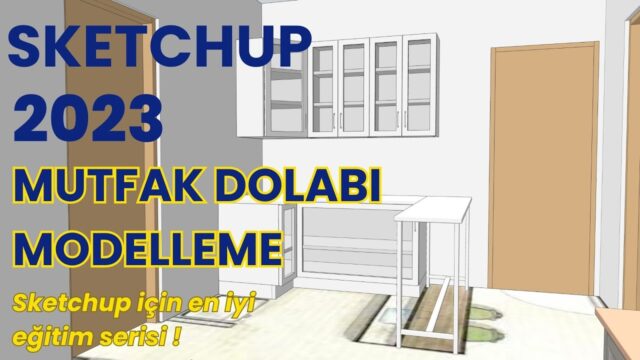
SketchUp 2022 Course

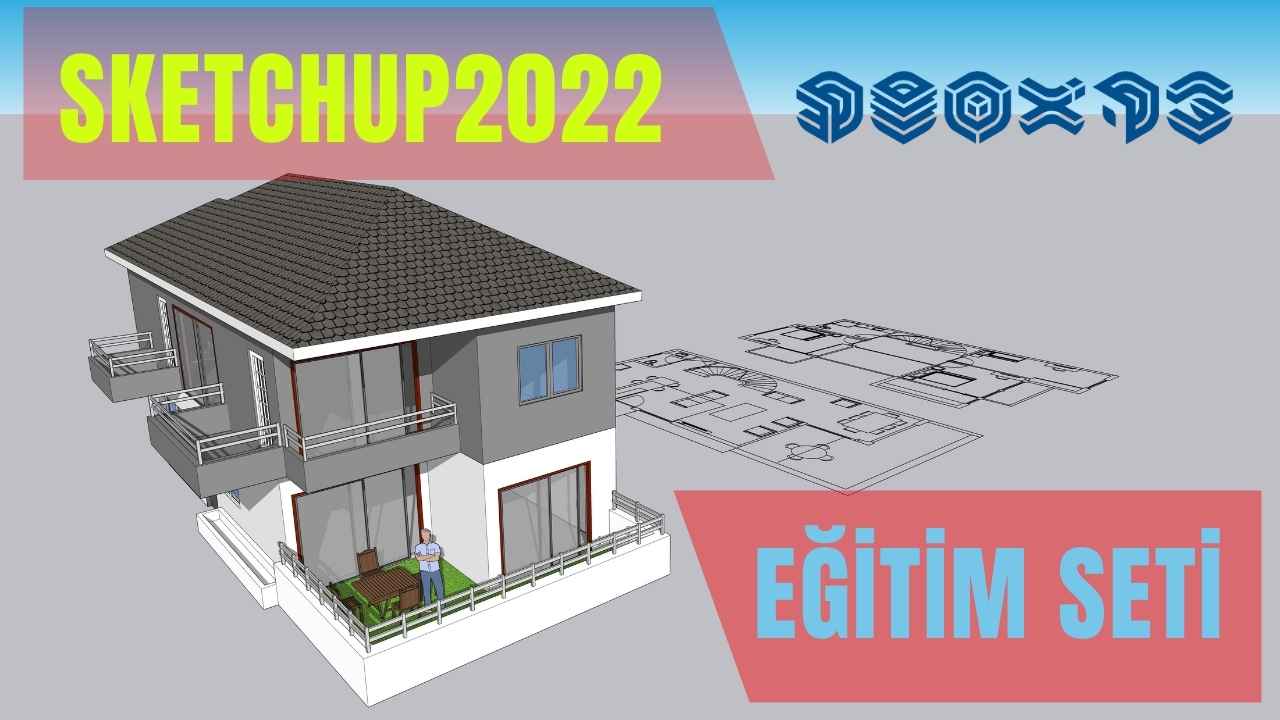
We made our SketchUp 2022 course for anyone who wants to learn the program from someone who knows it well. SketchUp may be an easy program, but learning from scattered videos takes time. And having videos on every platform does not mean you learn things in the right order. That is why going through professional training matters so much.
You can find the details of the set on the course’s intro page. Our goal was to help you learn the program in the best way, in a way no one else explains it. We put serious effort into that.
Drawing on our expertise in SketchUp courses, we showed how to use the program with examples. That way you see the conveniences at the heart of the program step by step.
SketchUp 2022 course trailer
You can watch the SketchUp 2022 course trailer below.
 YouTube
What makes SketchUp 2022 easy to use
For architectural design and projects, SketchUp is among the first 3D programs that come to mind. Its interface is simple and it has few core tools. This simple structure makes things much easier for beginners. (The video is in Turkish; this guide walks through the key steps in English.)
In the 3D Training set, we cover all the features of SketchUp 2022 in order. Our aim is to help you learn the program in the best possible way. We also show with examples how a project moves from start to finish in the program.
Why learn with a SketchUp 2022 course?
There are many SketchUp videos on the internet. But their versions, order and methods do not match. In the end, while you learn one topic, you get stuck on another. And the basic knowledge you miss will make modeling harder later.
A course, on the other hand, covers topics in a set order. Each lesson adds a new step on top of the one before it. And because it is based on a single version, the menus and tools match what is on your screen. So you can pause the video and repeat the same step on your own computer.
Another difference is how the topics fit together. With scattered videos, you often have to solve the problem you are stuck on by yourself. In a course, you understand the logic of the topic from the start. As a result, when you run into the same problem a second time, you already know the solution. This cuts learning time considerably.
Who is the SketchUp 2022 course for?
- Students starting SketchUp from scratch
- People who learned the program on their own from videos and want to fill the gaps
- Designers who want to present architectural and interior projects in 3D
- People who want to learn to build a clean model before moving on to a render engine
In short, the set is for anyone who wants to learn the program in an organized way.
How do you get the most out of the training?
Just watching a course is not enough. Real learning starts when you do the same step with your own hands. So we recommend these small habits.
- After watching each lesson, build the same model yourself from scratch.
- Start using shortcuts from day one.
- Note where you got stuck and rewatch the lesson from that point.
- A few short lessons a week are more productive than one long marathon day.
- Try what you learn on a small project; for example, model your own room.
For official explanations of menus and tools, you can also check the SketchUp Help Center.
Common mistakes when learning SketchUp
Beginners usually get stuck at the same points. If you know these mistakes from the start, you save a lot of time.
- Drawing without setting the units: Choose the template and units first, then start the model.
- Not using groups and components: If you do not group separate parts, lines stick to each other and the model gets messy.
- Leaving everything untagged: Collecting parts such as walls, furniture and landscape on separate tags keeps things organized.
- Adding unnecessary detail: Overly detailed ready-made models make the file heavy and slow the program down.
In an organized course, each of these topics comes up at the right time. That way you fix bad habits right at the start.
The SketchUp 2022 course and other free lessons
Besides the set, there are free lessons on our site too. We collected the lessons we made with a newer version in our article on SketchUp tutorial videos. You can read the launch announcement of the set in our course launch post. For a quick start, our Learn SketchUp in Just 1 Hour lesson is also a good first step.
To get the course, you can go to the course page here.
Frequently asked questions
Which version is the SketchUp 2022 course compatible with?
The set is based on SketchUp 2022. In newer versions, the logic of the core tools stays largely the same, but some menus differ.
Can I start from scratch with this set?
Yes, the set teaches how to use the program from the beginning, with examples. Still, you need to reinforce what you learn with regular practice.
Are there free SketchUp lessons too?
Yes, there are many free lessons on our YouTube channel and our site. You can start with them and then move on to the set.