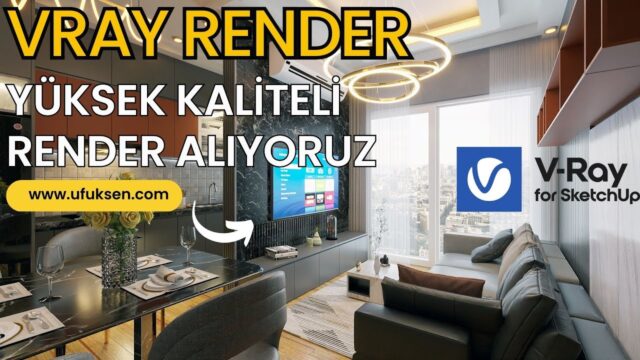
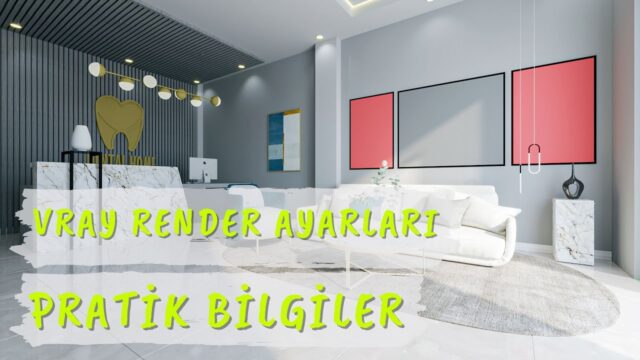
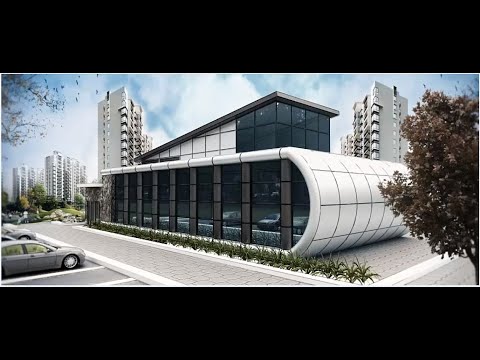
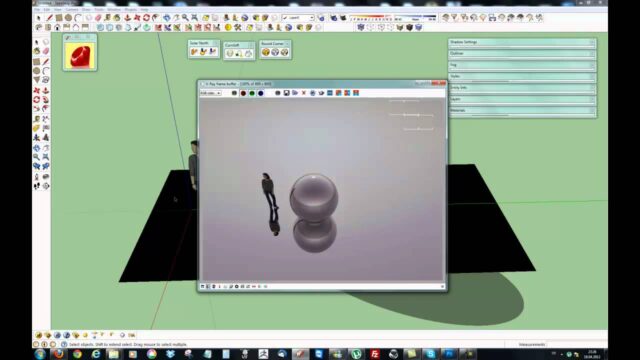
SketchUp V-Ray Lights: Using Rectangle Light

SketchUp V-Ray Lights: Rectangle Light | Use V-Ray Lights Efficiently
SketchUp Türkiye always works to give you the highest-quality, most complete information in 3D training.
 YouTube
What’s in this video?
In this lesson we talk about using V-Ray lights, especially Rectangle Light, efficiently. Our title on YouTube translates as “SketchUp V-Ray Important Light Settings – High-Quality V-Ray Settings”. So the focus is on the light settings that matter for a high-quality render. (The video is in Turkish; this guide walks through the key steps in English.)
- Rectangle Light, the rectangular area light
- Using lights efficiently and for the right purpose
- Light settings to watch for a high-quality result
The video description has no chapter timestamps. So we recommend opening the lesson alongside your own scene and trying each setting right away.
Who is it for?
The video runs about 12 minutes. That is a length you can easily finish in one sitting.
- V-Ray users who struggle to balance light in interior renders
- Interior designers preparing night scenes or presentations heavy on artificial lighting
- Designers looking for studio lighting for product and furniture images
- Students who want to learn the difference between light types
Before you watch: SketchUp V-Ray lights and Rectangle Light
Rectangle Light is an area light that emits light from a rectangular surface. Because it gives light from a wider surface than point lights, it makes shadows softer. The general rule is simple: the bigger the light source, the softer the shadow edge.
We usually use this light in three places. The first is in front of windows, to support the daylight coming in. The second is ceiling fixtures and hidden lighting strips. The third is softbox-like studio setups for product shots.
A common mistake with SketchUp V-Ray lights is not checking the light’s direction. If the light faces the wrong way, the scene stays dark and the user mistakenly tries to fix it by raising the intensity. For the basics on the model side, you can also take a look at the official help center.
Which light when?
V-Ray has several light types and each one does a different job. Having a clear mapping in your head speeds up light setup considerably:
- Sun: the main light in exteriors and daytime scenes
- Dome Light and HDRI: ambient light and reflections from the sky
- Rectangle Light: window support, hidden lighting and studio setups
- Spot Light and IES Light: the distinct light patterns fixtures leave on walls
- Sphere Light: sources that give light in all directions, such as lampshades and pendants
Of course, this is a starting table. But when you begin lighting a scene, being clear about which source has which job prevents a messy setup.
Tips for using lights efficiently
- Set the main light first. A single dominant light sets the character of the scene; the others support it.
- Do not add more lights than you need. Every new light increases calculation time and upsets the balance.
- Choose the light’s size deliberately. Pick a large surface for a soft look and a small one for distinct shadows.
- Keep color temperatures consistent. If you mix warm and cool light, do it as a conscious choice.
- Take test renders at low resolution. Raise the quality once you have found the light balance.
Related lessons
- Using Rectangle Light in interiors: we look at the same light type in V-Ray 5.
- Dome Light and HDRI lesson: for working with natural sky light.
- Sun settings lesson: for setting up the main light in exteriors.
- Kitchen render lighting tutorial: to see the lights together in a real project.
- Our render guide: brings the other render topics together on one page.
Frequently asked questions
Can you imitate daylight with Rectangle Light?
A Rectangle Light placed in front of a window is a method we often use to boost the light coming in. But setting up the actual daylight with the sun and sky light gives a more natural result.
Why is the scene still dark even though I raised the light?
First check the light’s direction and position. Then look at the camera exposure, because the problem is often the exposure, not the light.
Does the Rectangle Light have to be visible in the image?
No, in most scenes we want only the light’s effect to show, not the light itself. You control the light’s visibility and its effect in reflections from the light’s own settings. That way the camera does not see the light, but the light keeps illuminating the scene.
Do SketchUp V-Ray lights affect render time?
Yes, the number of lights and the softness of shadows increase the calculation load. So a few lights placed in the right spots give a faster and cleaner result.