Building a Render PC in 2021: First Quarter

The render PC build is one of the topics we get the most questions about on our channel. In this video we shared what we knew about computer hardware for rendering in the first quarter of 2021. We put the most asked-about topic, the balance of budget and performance, up front. Our goal is to help you build a system more consciously.
The video runs about 46 minutes. We made it based on the market conditions of the time. So treat the part recommendations in the video as a record of early 2021. In this article we explain the principles that stay timeless: the right order for choosing parts.
Render PC build video (first quarter of 2021)
 YouTube
Choose the engine first, then the parts
When you build a computer for rendering, the first question should not be “which part?” but “which render engine?”. Some engines calculate on the CPU, others on the graphics card. Real-time engines, for example, mostly run on the graphics card. Some classic engines, on the other hand, need far more CPU cores. (The video is in Turkish; this guide walks through the key steps in English.)
So first make clear which programs you will work with. Then put most of your budget into the part that program needs most. This one decision affects overall performance more than all your other choices.
Thinking part by part in a render PC build
CPU
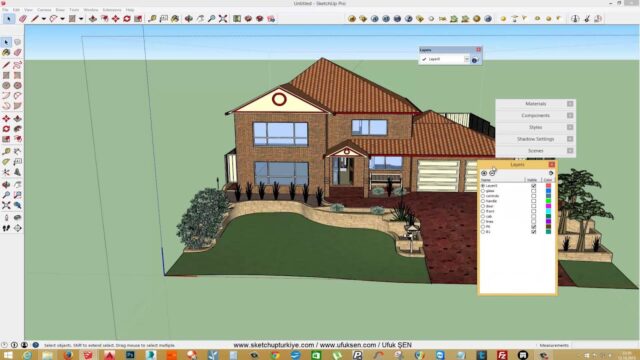
The CPU determines both how smooth modeling feels and how long CPU-based renders take. Modeling programs like SketchUp rely on single-core speed for most tasks. Render engines, however, use many cores at once. So a balanced CPU covers both needs.
Graphics card
If you will work with real-time engines, the graphics card becomes the heart of the system. The card’s memory matters too, because large scenes and high-resolution textures fill it quickly. Also keep the card’s drivers up to date. For NVIDIA cards, you can download current drivers from the NVIDIA driver page.
RAM and storage
Large scenes, many textures and heavy plant models need plenty of RAM. Too little memory slows the system down and makes programs crash. For storage, a fast SSD noticeably speeds up program launches and file loading. An extra drive for the project archive is a good idea as well.
Power supply, cooling and case
Rendering runs the computer at full load for long periods. So a quality power supply and good cooling are a must. The case’s airflow also directly affects how long the parts last. Saving money on these three is a mistake that causes problems in the long run.
Render PC build mistakes
- Looking only at the graphics card: A weak CPU and little RAM hold back a powerful card.
- Ignoring the power supply: A poor power supply puts the whole system at risk.
- Not checking compatibility: The CPU, motherboard and memory must be compatible with each other.
- Trusting gaming benchmarks: Gaming performance does not always match render performance.
Current resources for a render PC build
The hardware world changes very fast. A part that made sense in the first quarter of 2021 can be replaced by something better a few months later. So when you build a current system, rely on the principles above, not on the model recommendations in the video.
Before you buy, look at real render tests in the forums and user reviews of the program you use. Tests run with your own engine are the most reliable guide. And once you have the parts, test the system under load for a few hours.
We explained in detail what a render computer should look like in our render computer article. For our system recommendations from a later period, see our render computer 2022 article. For SketchUp’s current hardware requirements, the SketchUp system requirements page is a good starting point.
Ask yourself before you build
Answer a few questions before you move on to choosing parts. Which render engine will you use? Do you mostly prepare interiors or large exterior scenes? Will you produce animations? The answers point your budget to the right part. That way you avoid unnecessary spending and build a system that fits your needs exactly.
Frequently asked questions
Where should I start with a render PC build?
First decide which render engine you will use. Whether the engine runs on the CPU or the graphics card determines how you split your budget.
Are the recommendations in the 2021 video still valid?
The principles for choosing parts still hold, but the model recommendations belong to that period. For a current system, see our render computer articles.
Is a gaming computer good enough for rendering?
A powerful gaming computer gives good results with real-time engines. But for CPU-based rendering, core count and the amount of RAM also matter.