Render Computer: How to Choose a PC for Rendering
Render Computer

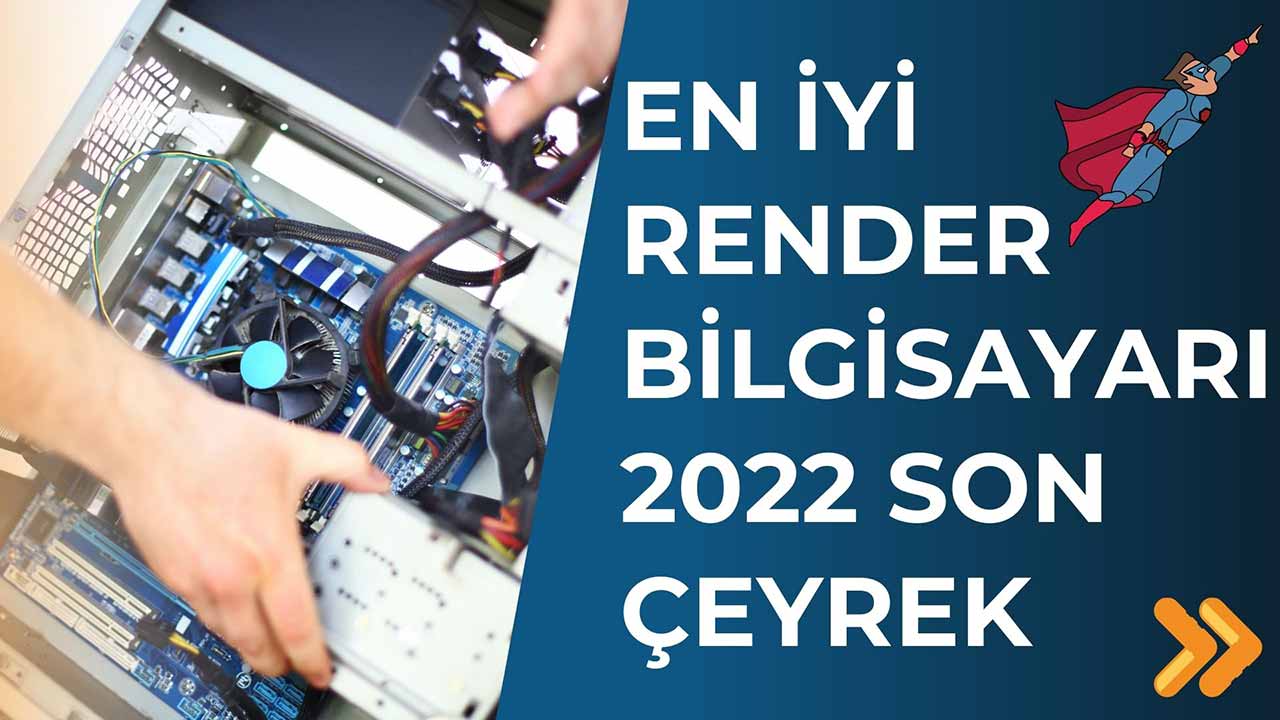
In this article we answer, one by one, the questions we get most about a render computer. The right system cuts a render that takes hours down to minutes. The wrong system wastes both your time and your budget. You can also take a look at our earlier system recommendations for late 2022.
In this guide we explain in what order to look at the parts when you choose a PC for rendering. We have also listed the questions you should ask yourself before you go to the store.
What is a render computer?
A render computer is a powerful system you build to produce realistic images from a 3D scene. What sets it apart from an ordinary office computer is that it carries heavy work for long stretches without a break. For example, an interior scene can run the CPU or the graphics card at full load for hours. So how well the parts fit together and how they are cooled matter as much as their power.
In architectural rendering work, hardware choice directly affects the project’s delivery time. Unfortunately, there are still few experienced hardware and rendering specialists in this area. If you want help with both 3D projects and hardware, you can work with the mimari3d.com team.
What should a render computer look like?
The render engine you use decides which way the right system leans. Some engines run on the graphics card, others on the CPU. First, make clear which program you will render in. Then put most of your budget into the part that program pushes hardest.
CPU or graphics card?
Real-time engines such as Enscape, Lumion, D5 Render and Twinmotion run mainly on the graphics card. Engines such as V-Ray render on both the CPU and the graphics card. So if you will use both, you should choose both parts in balance. The graphics card’s memory (VRAM) also lets you handle large scenes and textures comfortably.
If you cannot decide on an engine, see our Enscape vs. D5 comparison. We also gathered the other options in our article on SketchUp render engines.
How important are RAM and storage?
As the scene grows, so does the need for RAM. Memory fills up quickly, especially in scenes with many models and high-resolution textures. A fast SSD shortens the time it takes to open the program and your projects. On top of that, a good power supply and good cooling keep the system stable during long renders.
4 questions to ask before you buy a render computer
Before you move on to a parts list, write down the answers to these questions:
- Budget: How much will you spend on the system?
- Render engine: Which programs will you render with?
- Monitor: How many screens will you work with?
- Where to buy: Where will you buy the parts?
Once the answers are clear, it also becomes clear how much to set aside for each part. Then compare sellers on Turkish price comparison sites such as akakce.com. Around the time this article was first published, one of our readers put a system together below the store price by buying it part by part. So it is possible to get the same power at a lower cost.
Common mistakes with a render computer
In the questions we get from readers, we see some mistakes come up again and again:
- Putting everything into one part: Spending the whole budget on the graphics card and settling for a weak power supply.
- Underestimating cooling: Not accounting for a CPU that slows down as it heats up during long renders.
- Choosing the engine later: Deciding on a render engine after buying the system.
- Neglecting drivers: Not updating the graphics card driver for months.
You can prevent all of these mistakes with a few minutes of planning before you build the system.
What to watch for in the store
When you go to the store, they may offer you a ready-made gaming PC or a general-purpose bundle. Do not accept these systems as they are. Gaming and rendering put different kinds of load on the parts. Ask why each part was chosen and check that it suits your render engine.
We explained the difference between gaming and rendering systems in detail in our two system recommendations from 2022. You can see SketchUp’s own hardware recommendations on its official system requirements page. If you use an NVIDIA graphics card, keep the driver up to date from the official driver page.
When you are unsure, getting professional support is the safest route. The SketchUp Türkiye YouTube channel also answers many questions on this topic.
Video: the system we recommended in 2022
In the video below, we go through the system we recommended when the article was first published, part by part. The part models are from that time. But the logic of the choices still holds today.
 YouTube
Frequently asked questions
Is a gaming PC good enough for rendering?
Sometimes it is, but not always. Rendering keeps the parts at full load for much longer than gaming does. So cooling and the power supply are critical. (The video is in Turkish; this guide walks through the key steps in English.)
Can I render on a laptop?
You can, but in thin cases heat slows down long renders. If you will work heavily, a desktop system will serve you better.
Should I invest in the CPU or the graphics card first?
Look at the render engine you use. The graphics card comes first for real-time engines, and the CPU comes first for CPU-based engines.