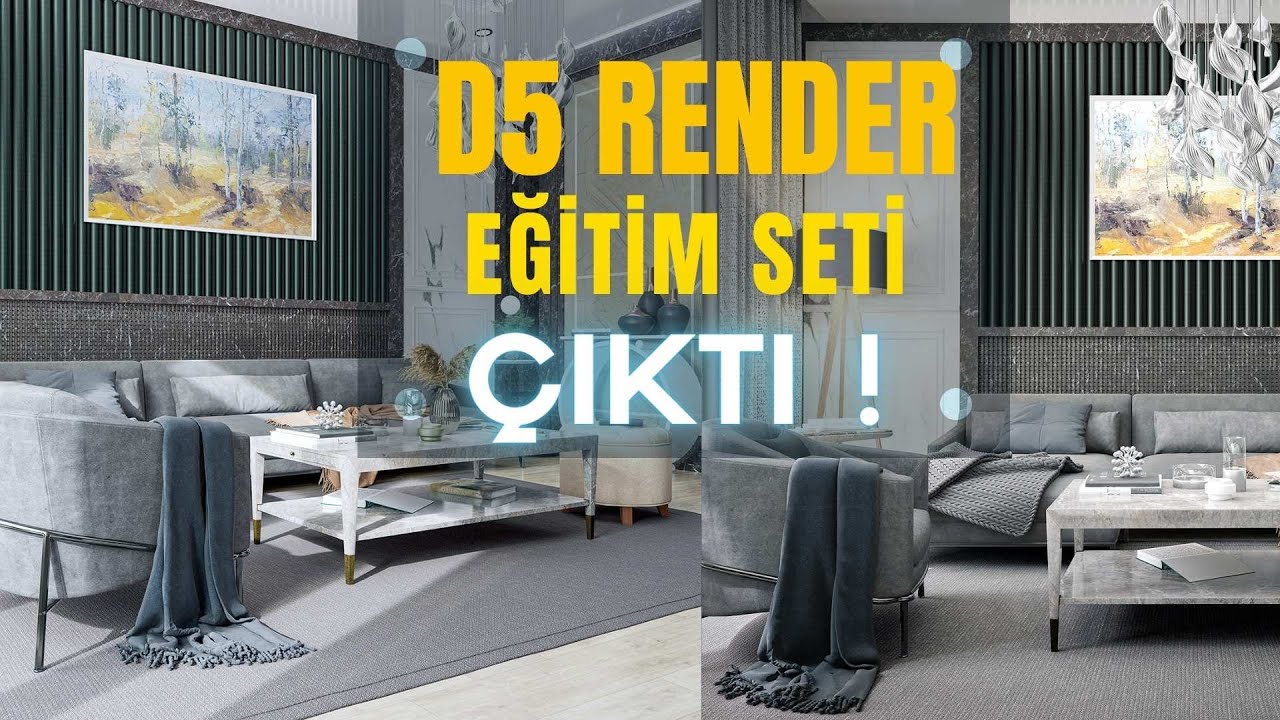
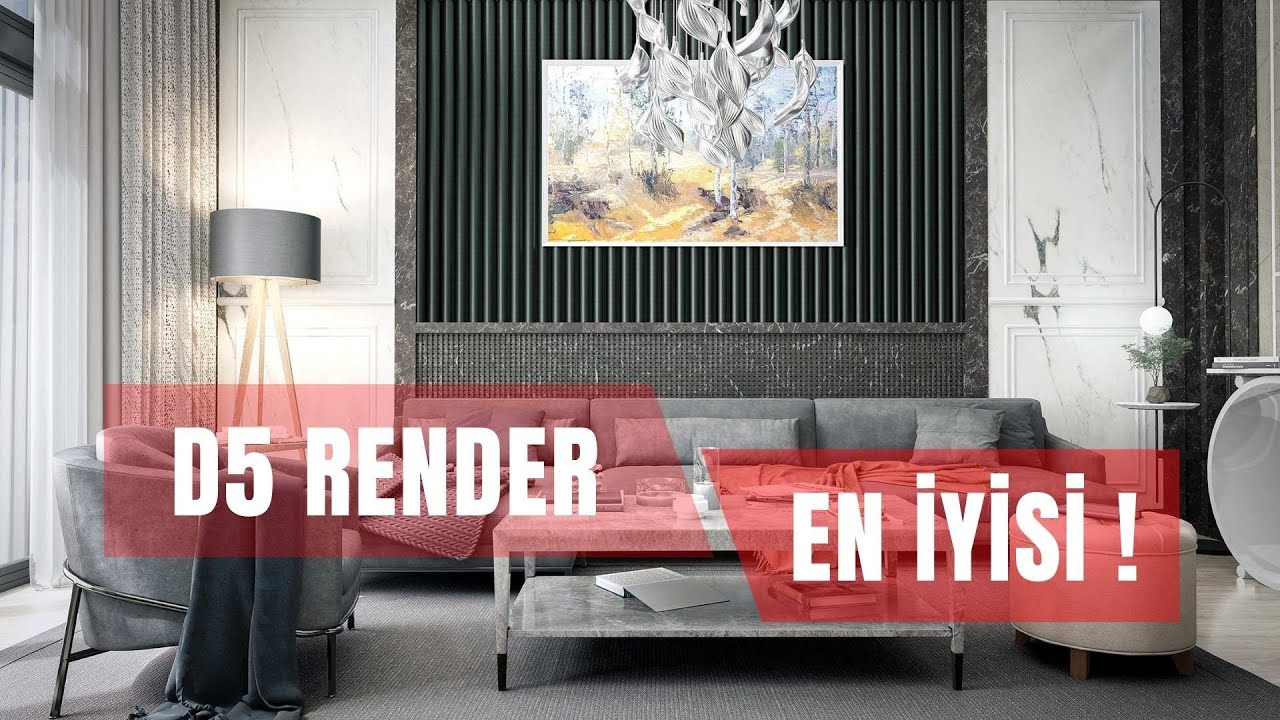
The D5 Render Course Set Is Out!

If you are looking for a D5 Render course, we have good news: our D5 Render course set is out. D5 is a fast, easy-to-use real-time render engine. Time is precious in design work. That is why AI-assisted engines are moving to the front. In this article we share the set’s teaser film and explain what a structured course gives you.
D5 Render course teaser
In the teaser below you see the overall feel of the set and the results you will reach. The film runs about ten minutes.
 YouTube
Why a course instead of scattered videos?
There are many short videos about D5 online. But they usually cover a single topic and do not follow on from each other. As a result, the knowledge stays in pieces and it gets hard to see the big picture. A structured course teaches topics in a logical order, building each one on the last. (The video is in Turkish; this guide walks through the key steps in English.)
A course also puts you inside a real project flow. You see every step, from importing the model to getting the final image, on the same scene. That makes it much easier to carry what you learn over to your own projects.
Why D5 Render?
D5 Render is a real-time engine that shows any change you make in the scene on screen instantly. You try out light, material and camera ideas without waiting. So you save both time and effort. In the busy pace of architectural projects, this speed is a real relief.
According to its official site, D5 also has AI-assisted features. You can follow the program’s current features and system requirements on D5 Render’s official site. Also take a look at our why choose D5 Render article, where we cover D5’s advantages in detail.
Getting the most out of the D5 Render course
Watching a course and learning from it are not the same thing. For an efficient study routine, we suggest these simple habits.
- Work side by side: Keep the video open on one screen and D5 on the other.
- Pause and repeat: After watching each step, try it in your own scene.
- Use your own model: When you finish a lesson, apply the same steps to your own project.
- Take notes: Collect the settings you use often in a short list.
- Do not rush: Even one lesson a day makes a big difference if you keep at it.
Who is the D5 Render course for?
The course is for anyone who wants to produce fast, quality images. Architecture and interior architecture students in particular can present their projects far more impressively. Freelance designers can prepare realistic images for their clients in a short time.
D5 works with scenes from different programs, such as SketchUp, 3ds Max and Blender. So whichever program you model in, you will benefit from the course. In our lessons we usually model in SketchUp and visualize in D5.
If you get stuck somewhere while watching, open that lesson once more. On the second viewing you often notice a small detail you missed the first time. You can also leave your questions as comments under the videos. That way you get an answer, and other users with the same question benefit too.
Before you start the course
First, make sure your computer runs D5 comfortably. Real-time engines need a strong graphics card, so be sure to check the requirements. Then get to know the program with a small scene. Our D5 Render review article is a good start for an overview of the program.
You can also read our teaser film article, where we cover the teaser and the set’s content separately. You can reach the full course set on the D5 Render course set page.
What to do after the D5 Render course?
When you finish the course, you can build a basic D5 scene from start to finish. The next step should be trying what you learned on different project types. For example, prepare an interior project first, then an exterior one. Finally, round off the series with a small landscape project. Each project type gives you a different skill.
Also collect the images you make in a portfolio. Seeing your own progress over time is very motivating. Sharing your images on social media also opens the door to new work. In short, the course is a start; real mastery comes with regular practice.
Finally, do not forget to follow new versions of the program. Real-time engines develop fast, and every version brings new tools. So check the what’s new page on the official site from time to time.
Frequently asked questions
Do I need prior knowledge for the D5 Render course?
Basic modeling knowledge is enough. We explain the rendering side step by step in the course.
Which program should I model in?
D5 works with different programs. In our examples we usually use SketchUp.
Does D5 run on every computer?
No, it needs a strong graphics card. Check the official system requirements before you install it.